The AutoCAD JavaScript tutorial demonstrates how you can use the JavaScript function and execute the AutoCAD RECTANG command to create a rectangular polyline.
var firstPoint,secondPoint;

var options = new Acad.PromptPointOptions("give me the first point");
Acad.Editor.getPoint(options).then(onFirstPoint,error);

function onFirstPoint(arg)
{
	var obj = JSON.parse(arg);
	firstPoint = obj.value;

	//again
	var options = new Acad.PromptPointOptions("give me the second point");
	Acad.Editor.getPoint(options).then(onSecondPoint,error);

}

function error()
{
	alert("error getting a point");
}


function onSecondPoint(arg)
{
	var obj = JSON.parse(arg);
	secondPoint = obj.value;

	//draw rect
	Acad.Editor.executeCommand("RECTANG",firstPoint.x + "," +
firstPoint.y,"",secondPoint.x + "," + secondPoint.y,"");
}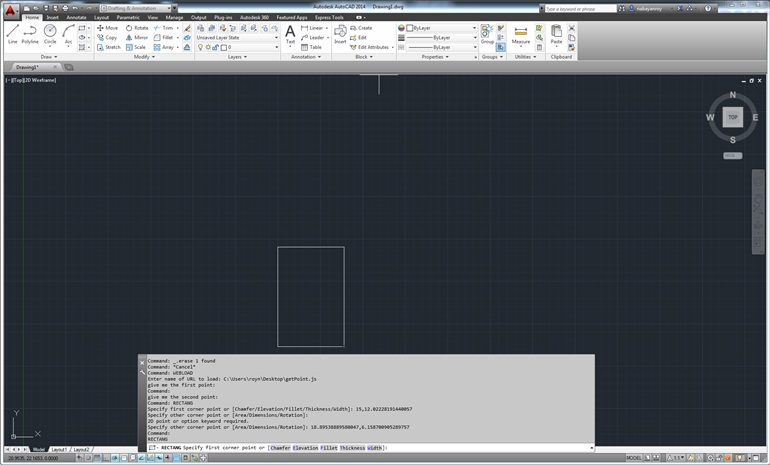
Creating a rectangle using JavaScript


